
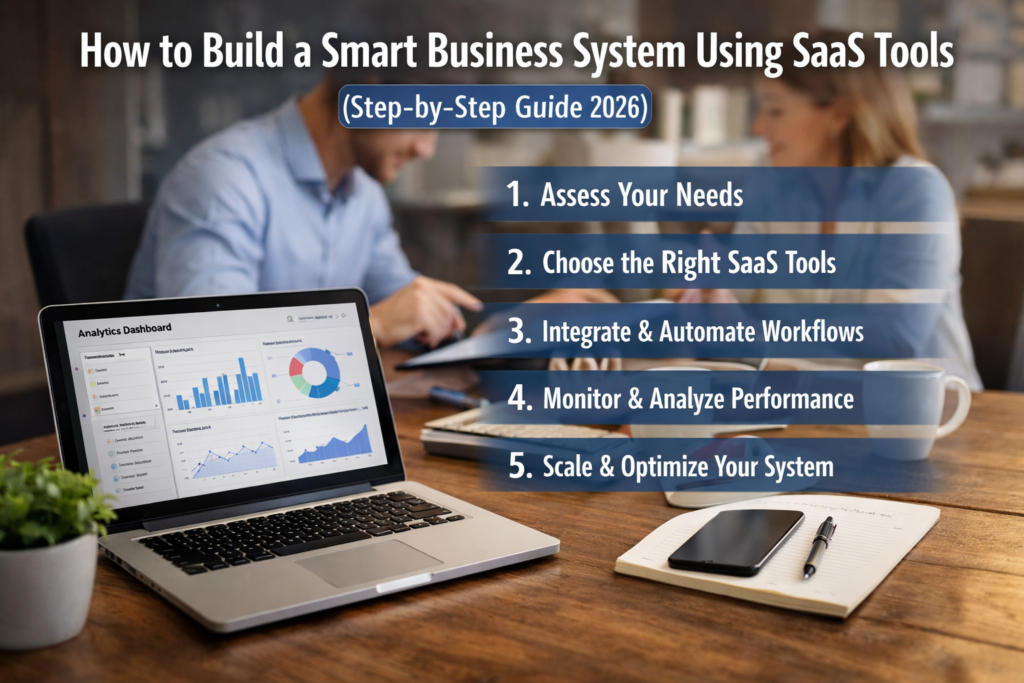
How to Build a Smart Business System Using SaaS Tools (Step-by-Step Guide 2026)
Introduction
Running a business without a system is one of the biggest reasons for burnout and slow growth. Many entrepreneurs spend hours managing tasks, responding to emails, tracking customers, and handling operations manually.
In 2026, successful businesses don’t work harder—they work smarter. They use SaaS (Software as a Service) tools to build automated systems that handle daily operations efficiently.
A smart business system allows you to:
- Automate repetitive tasks
- Reduce human errors
- Improve productivity
- Scale faster without hiring more staff
In this guide, you’ll learn step-by-step how to build a smart business system using SaaS tools.
What is a Smart Business System?
A smart business system is a combination of tools, workflows, and automation that run your business efficiently with minimal manual effort.
Instead of doing everything yourself, your system handles:
Task management
Customer communication
Marketing automation
Data tracking
👉 Think of it as a digital team working for you 24/7.
Step 1: Define Your Business Processes
Before using any tools, you must understand how your business works.
Identify:
Daily tasks
Repetitive processes
Time-consuming activities
👉 Example:
Responding to emails
Tracking leads
Managing projects
Once you identify these, you can start automating them.
Step 2: Choose Core SaaS Tools
To build a smart system, you need the right tools.
Project Management
Use ClickUp to manage tasks, deadlines, and workflows.
👉 Keeps your work organized in one place.
Customer Management (CRM)
Use HubSpot to track leads and manage customer relationships.
Helps you convert more customers automatically.
Automation:
Use Zapier to connect your tools and automate workflows.
👉 Eliminates repetitive manual tasks.
🧠 Productivity & Documentation
Use Notion to organize knowledge, notes, and processes.
👉 Central hub for your business information.
Step 3: Build Automated Workflows
Automation is the core of a smart system.
Example Workflow:
- Customer fills a form
- Data goes to CRM
- Email is sent automatically
- Task is created for follow-up
👉 Tools like Zapier make this easy.
Step 4: Automate Communication
Communication takes a lot of time.
Automate:
Email responses
Customer onboarding
Follow-ups
👉 Use HubSpot for email automation.
Step 5: Track Data and Performance
A smart system uses data to improve.
Track:
Sales performance
Customer behavior
Task completion
👉 This helps you make better decisions.
Step 6: Integrate Your Tools
Your tools should work together.
Example:
ClickUp + Zapier
HubSpot + email tools
👉 Integration = smooth workflow.
Step 7: Optimize and Improve
Once your system is running:
Identify weak points
Improve automation
Add new tools if needed
👉 A smart system is always evolving.
Real Example (Important for Authority)
A small business uses:
ClickUp → manage tasks
Zapier → automate workflows
HubSpot → manage customers
Result:
Saves 15–25 hours per week
Reduces manual work by 70%
Scales without hiring
System Structure Example
Function Tool Purpose
Task Management ClickUp Organize work
CRM HubSpot Manage customers
Automation Zapier Connect tools
Documentation Notion Store knowledge
Common Mistakes to Avoid
❌ Using too many tools
❌ Not automating workflows
❌ Poor integration
❌ No clear system
👉 Keep it simple and scalable.
Conclusion
Building a smart business system is one of the best decisions you can make in 2026. With the right SaaS tools, you can automate your operations, save time, and scale your business efficiently.
Instead of working harder, focus on building systems that work for you.